Around the world, 1.5 billion students are now adjusting to learning from home. For students with disabilities, this adjustment is even more difficult without hands-on classroom instruction and support from teachers and learning specialists.
For educators and families using Chromebooks, there are a variety of built-in accessibility features to customize students’ learning experience and make them even more helpful. We’ve put together a list of some of these tools to explore as you navigate at-home learning for students with disabilities.
Supporting students who are low vision
To help students see screens more easily, you can find instructions for locating and turning on several Chromebook accessibility features in this Chromebook Help article. Here are a few examples of things you can try, based on students’ needs:
-
Increase the size of the cursor, or increase text size for better visibility.
-
Add ahighlighted circle around the cursor when moving the mouse, text caret when typing, or keyboard-focused item when tabbing. These colorful rings appear when the items are in motion to draw greater visual focus, and then fade away.
-
For students with light sensitivity or eye strain, you can turn on high-contrast mode to invert colors across the Chromebook (or add this Chrome extension for web browsing in high contrast).
-
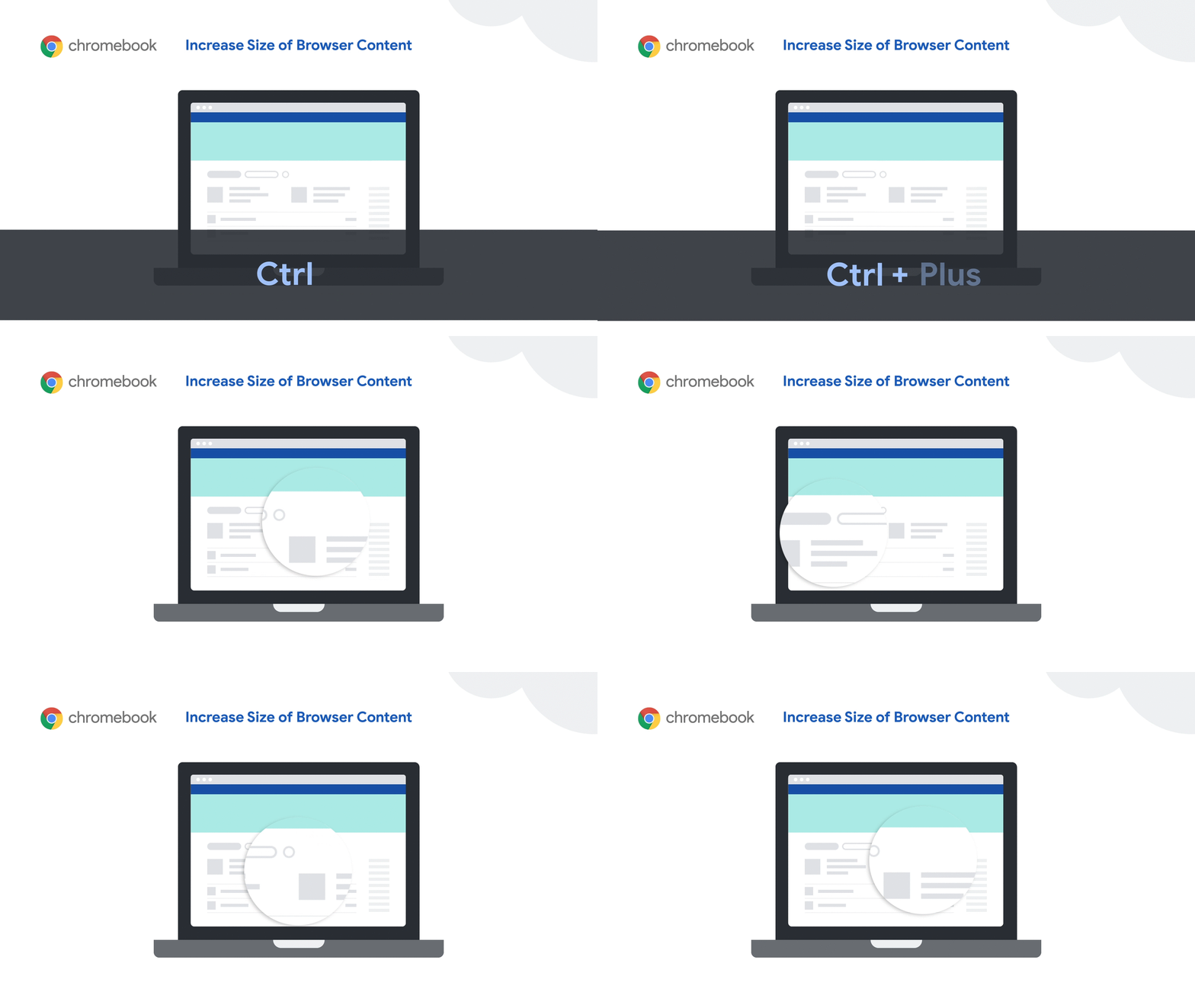
Increase the size of browser or app content, or make everything on the screen—including app icons and Chrome tabs—larger for greater visibility.
-
For higher levels of zoom, try thefullscreen or docked magnifiers in Chromebook accessibility settings. The fullscreen magnifier zooms the entire screen, whereas the docked magnifier makes the top one-third of the screen a magnified area. Learn more in this Chromebook magnification tutorial.
Helping students read and understand text
Features that read text out loud can be useful for students with visual impairments, learning and processing challenges, or even students learning a new language.
-
Select-to-speak lets students hear the text they choose on-screen spoken out loud, with word-by-word visual highlighting for better audio and visual connection.
-
With Chromevox, the built-in screen reader for Chromebooks, students can navigate around the Chromebook interface using audio spoken feedback or braille. To hear whatever text is under the cursor, turn on Speak text under the mouse in ChromeVox options. This is most beneficial for students who have significant vision loss.
-
Add the Read&Write Chrome extension from Texthelp for spelling and grammar checks, talking and picture dictionaries, text-to-speech and additional reading and writing supports- all in one easy to use toolbar.
-
For students with dyslexia, try the OpenDyslexic Font Chrome extension to replace web page fonts with a more readable font. Or use the BeeLine Reader Chrome extension to color-code text to reduce eye strain and help students better track from one line of text to the next. You can also use the Thomas Jockin font in Google Docs, Sheets and Slides.
Guiding students with writing challenges or mobility impairments
Students can continue to develop writing skills while they’re learning from home.
-
Students can use their voice to enter text by enabling dictation in Chromebook accessibility settings, which works in edit fields across the device. If dictating longer assignments, students can also use voice typing in Google Docs to access a rich set of editing and formatting voice commands. Dictating writing assignments can also be very helpful for students who get a little stuck and want to get thoughts flowing by speaking instead of typing.
-
Students with mobility impairments can use features like the on-screen keyboard to type using a mouse or pointer device, or automatic clicks to hover over items to click or scroll.
-
Try the Co:Writer Chrome extension for word prediction and completion, as well as excellent grammar help. Don Johnston is offering free access to this and other eLearning tools. Districts, schools, and education practitioners can submit a request for access.
How to get started with Chromebook accessibility tools
We just shared a 12-part video series with training for G Suite and Chromebook Accessibility features made by teachers for teachers. These videos highlight teachers’ experience using these features in the classroom, as well as what type of diverse learner specific features benefit. For more, you can watch these videos from the Google team, read our G Suite accessibility user guide, or join a Google Group to ask questions and get real time answers. To find great accessibility apps and ideas on how to use them, check out the Chromebook App Hub, and for training, head to the Teacher Center.
We’re also eager to hear your ideas—leave your thoughts in this Google Form and help educators benefit from your experience.
by Laura PalmaroChrome & Chrome OS Accessibility via The Keyword

0 komentar:
Post a Comment