Editor’s note: This week, we’re at BETT in London, where you can visit us at booth SE30. If you’re #NotAtBett, follow along on Twitter and Facebook.
In classrooms around the world, educators rely on Chromebooks to keep their students' data secure. Students like them because they are fast, easy to use and built for collaboration. And because documents are all stored in the cloud, students can share devices and access their work from anywhere. Most importantly, Chromebook apps and features help teachers customize their lessons for students.
New features in the Chromebook App Hub
When teachers customize learning experiences, students can learn in a way that works best for them. That’s why we created the Chromebook App Hub.
The Chromebook App Hub lets educators and developers showcase and discover Chromebook apps and ideas for classroom activities. Since we launched the Chromebook App Hub, educators and developers have contributed over 270 apps and classroom ideas, and counting.
Here are some new features that make it easier for educators to find what they need on the Chromebook App Hub:
-
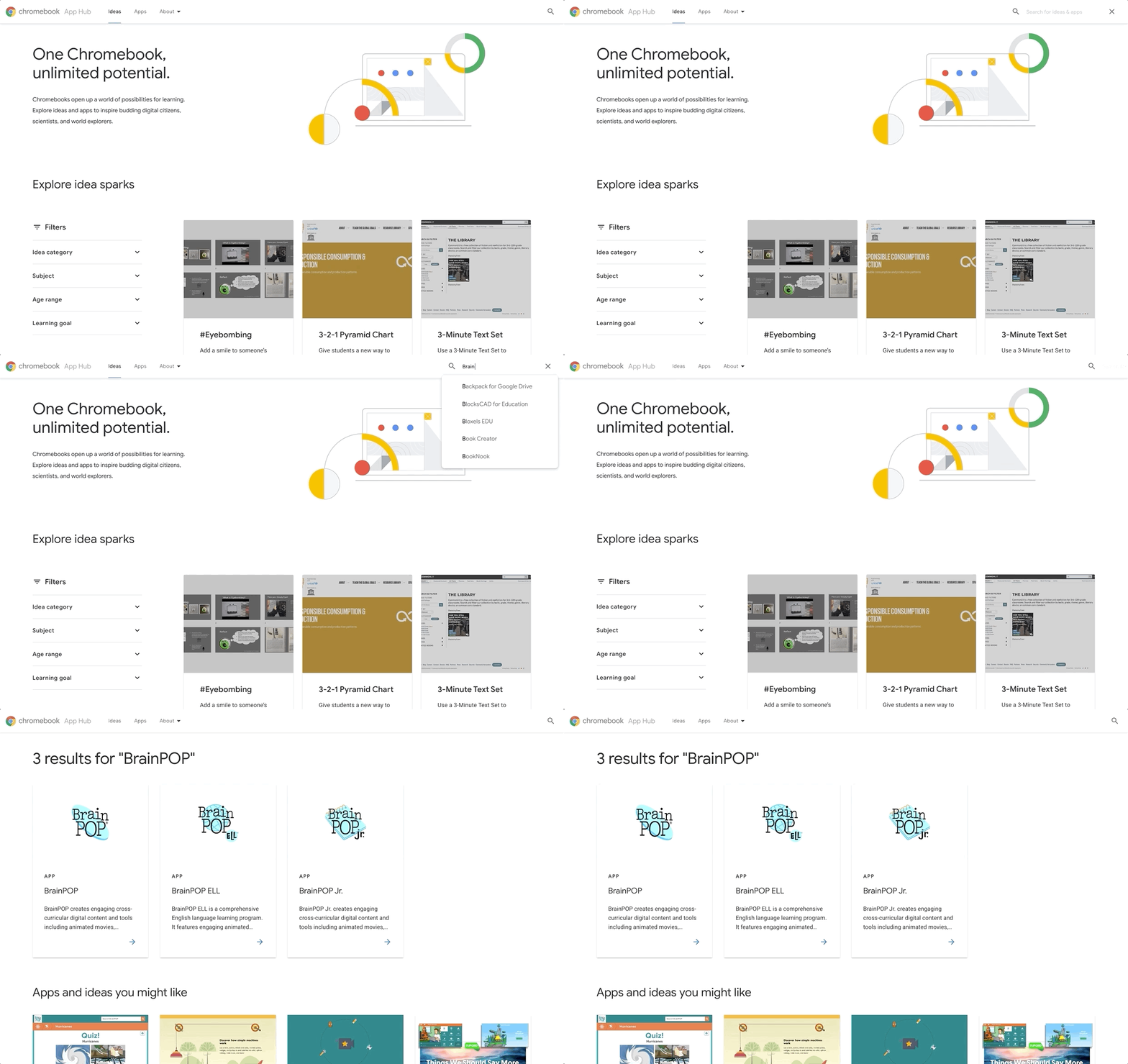
Search for your favorite apps and idea, and share them with other educators
-
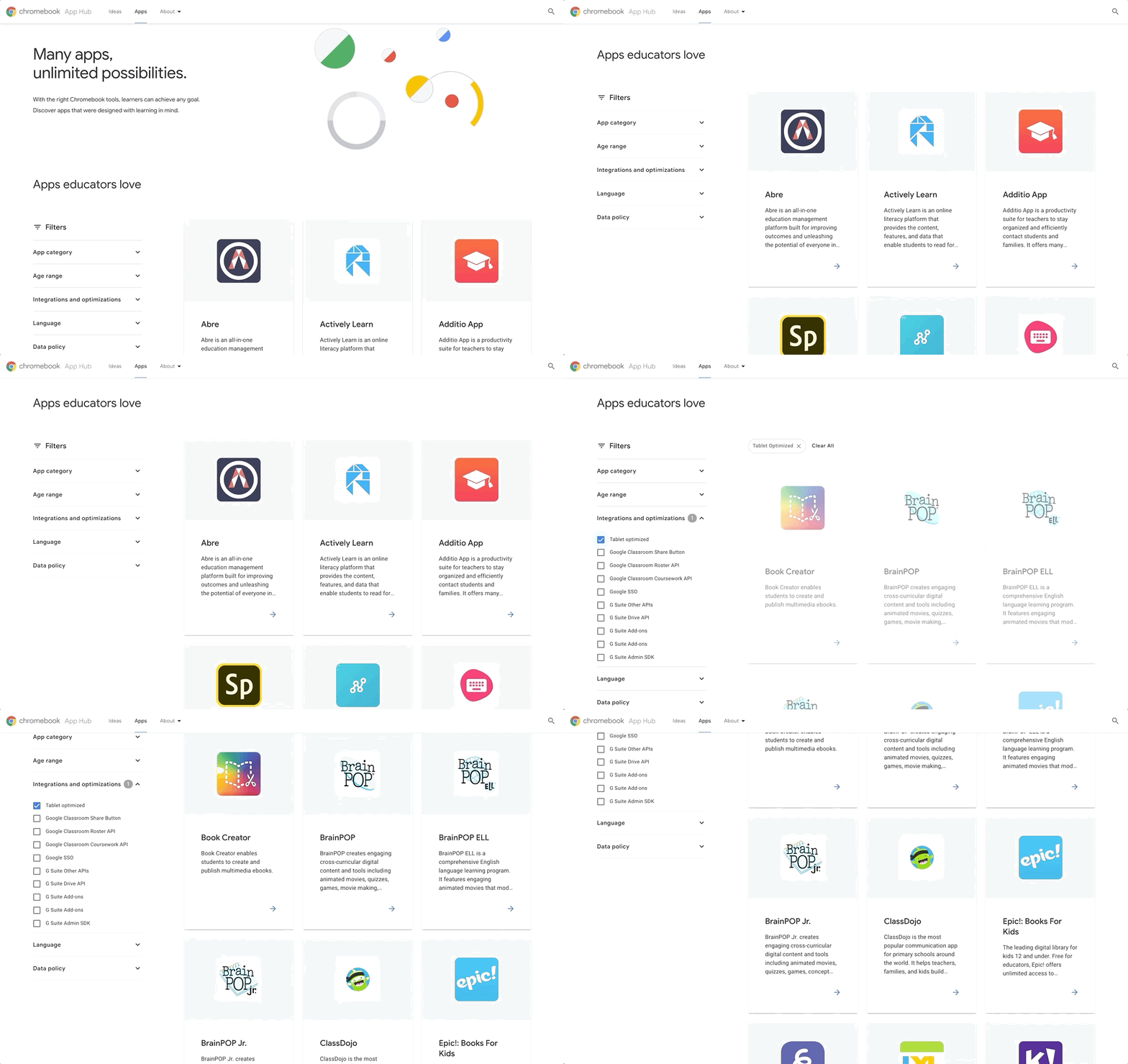
New filter options that allow teachers to search by class subject, device feature, and Google integrations to find the best app to enhance their lessons
-
20+ apps optimized for Chromebook tablets, and the ability to filter apps by privacy laws like GDPR and COPPA
Better access to touch-based learning
Whether it’s tablets like the new Lenovo 10e, Chromebooks with touchscreens, or devices that work with styluses, educators are increasingly turning to touchscreen capabilities to support varied learning styles and encourage student creativity.
And with the new filter functionality in the Chromebook App Hub, it’s now easier to find touch-optimized apps like:
-
Canva for Education: With drag-and-drop design tools, classroom-friendly content and templates, teachers and students can use Canva create to posters, worksheets, infographics, reports and animated presentations.
-
Adobe Spark: With features like drag-and-drop and pinch-to-zoom, students can use Spark to easily create narrated videos, writing assignments, presentations, flyers, newsletters, portfolios, and web pages.
-
Nearpod: A student engagement platform with ready-to-run interactive lessons that are touch-optimized for Chromebooks and tablets. Within Google Slides, educators can incorporate Nearpod features, while the Google Chrome extension enables teachers to easily access the Nearpod library within Google Classroom.
-
Kahoot: Create, host and play multiple choice quizzes. Teachers can take advantage of Google’s single sign-on for log-in and account creation as well as share homework challenges with students easily through Google Classroom
Supporting diverse learners
The Chromebook App Hub includes apps that support learners with impaired vision or hearing, physical disabilities, and diverse learning styles.
Here are a few available:
-
WriQ from Texthelp: With their own personalized mini dashboard, students can track how long they can write for before stopping, and positive nudge notifications spur them to do better each day.
-
Clicker Apps, from Crick Software provide customizable support to emergent, developing, and struggling readers and writers. During Bett this year, Crick is also launching a brand new Clicker Writer app.
-
Scanning Pens: The ReaderPen reads scanned text aloud or via earphones, aiding learners who need extra reading support. Students can scan the text directly into a Google Doc with the scan-to-file feature and upload recorded audio onto a Chromebook or Android device to allow for easy access when reviewing.
-
Wizkids AppWriter: An all-in-one accessibility tool for Chrome that offers support with English as a Foreign Language (EFL), writing and pronouncing words in Modern Foreign Languages (MFL), and assists with everyday literacy needs. Now, AppWriter also includes a new and intuitive speech to text synthesizer. Find out more during Bett and register for a free trial.
by Bayo Olotu via The Keyword

0 komentar:
Post a Comment